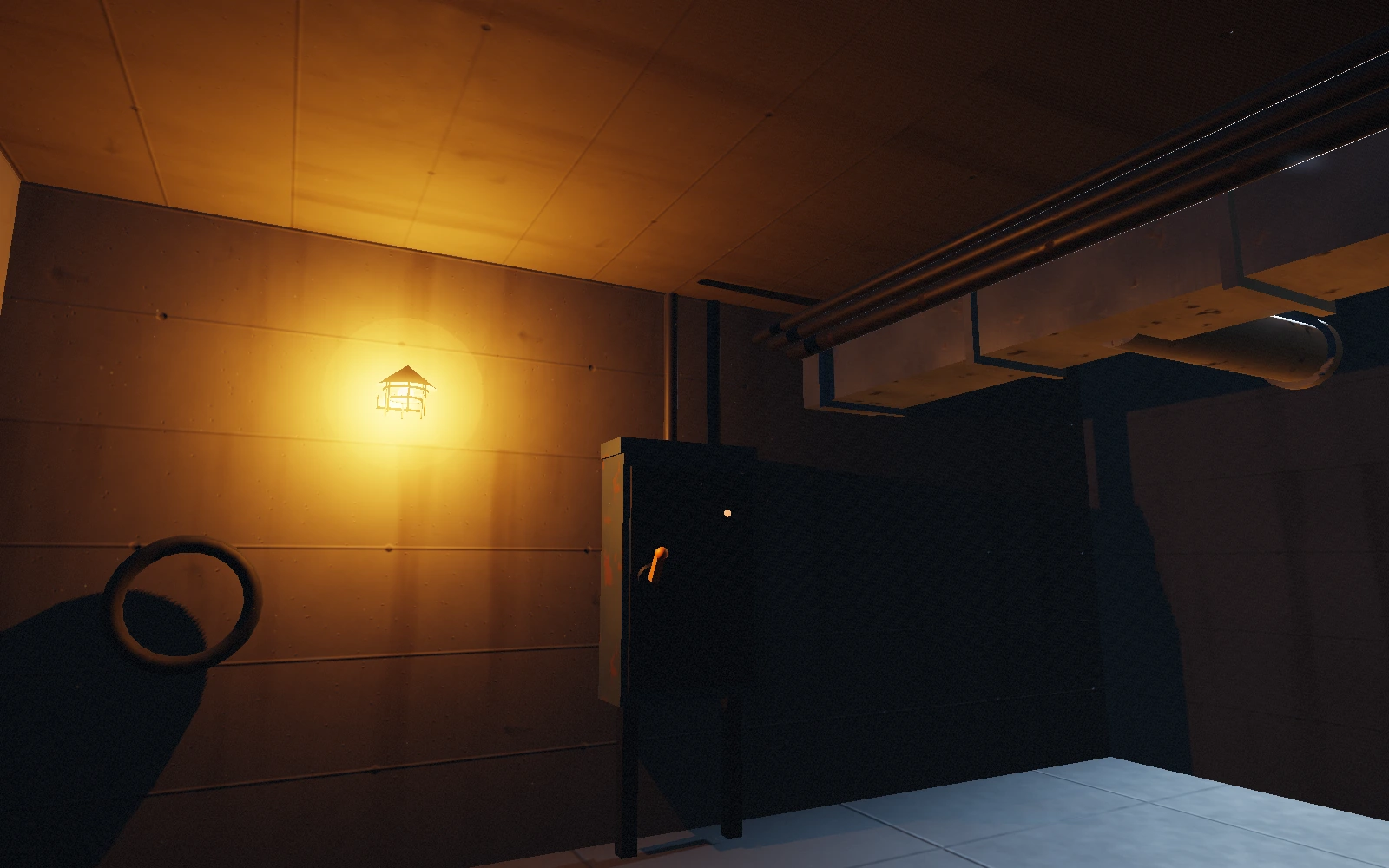
Keyboard and mouse, on a desktop browser with WebGL2. Sound starts when you press Play. The download is the whole game as it runs here — about 90 MB, with every asset, its licence receipts, a guide to the four changes worth making, and a checker for the floor plan.
Build your own version
Set up Plate in your agent. Free or Pro both work.
Download the source (free with a Google sign-in) and extract it into a new folder.
Open that folder in your agent and copy this request.
Use Plate to adapt the Daybay source in this folder into my own browser firefight. Read labs/daybay/README.md, ADAPT.md and LICENSES.md first. Serve the folder over HTTP, open the game, play one encounter and tell me what you saw before changing anything. Then ask me which of the four surfaces I want changed — the arena in arena-layout.js, the opponents in enemy-config.js, the weapons in weapons.js, the sound in audio.js — and what the room, the light and the fight should feel like. Change one surface at a time and reload between changes. After any change to the plan, run node check-layout.mjs from labs/daybay and fix what it names. If the baked lighting shows seams after a layout change, switch the arena to its blockout lighting the way ADAPT.md describes. Keep the keyboard and mouse controls, the pause menu, the restart, the start card and the loading fallback working. Keep every LICENSE.md and the Vincent Sevedge credit if the pistol or shotgun sounds stay. Play the result yourself, capture it, and tell me exactly what you verified and what you could not. Use the free tools unless my Pro license is already active.
What it is made of
The arena, its baked bounce lighting, the body-camera lens, the combat, the animation and the whole runtime are this project’s own code.
The mesh sources are public-domain downloads, adapted: the carbine and the opponent from OpenGameArt (CC0), the hands from a CC0 MakeHuman-derived base, surfaces and props from Poly Haven (CC0), the shot recordings from OpenGameArt (CC0).
Every folder under assets/ carries its own licence receipt naming the source and what was changed.
Set up Plate in your agent. Free or Pro both work.
Download the source (free with a Google sign-in) and extract it into a new folder.
Open that folder in your agent and copy this request.
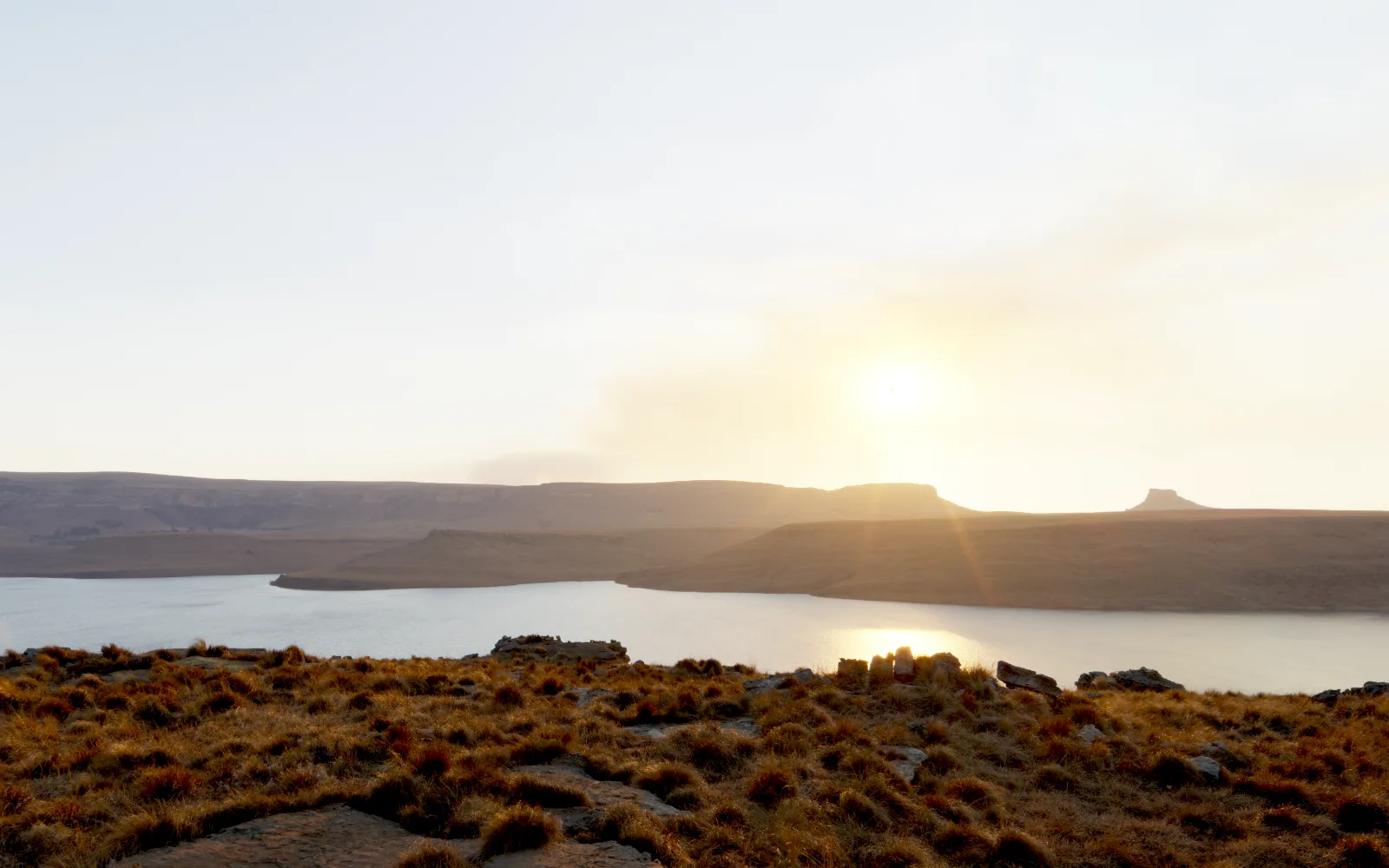
Use Plate to adapt the Afterlight source in this folder into my own interactive environment. Read the README and licenses first. Start the local preview and capture the existing scene. Keep its keyboard and touch controls, pause, sound toggle, reduced-motion support and loading fallback. Ask me what setting and atmosphere I want, then improve the composition, materials and lighting around that brief. Inspect desktop and phone views and test the actual reveal before showing me the result. Preserve third-party license files. Use the free tools unless my Pro license is already active.
Set up Plate in your agent. Free or Pro both work.
Download the source (free with a Google sign-in) and extract it into a new folder.
Open that folder in your agent and copy this request.
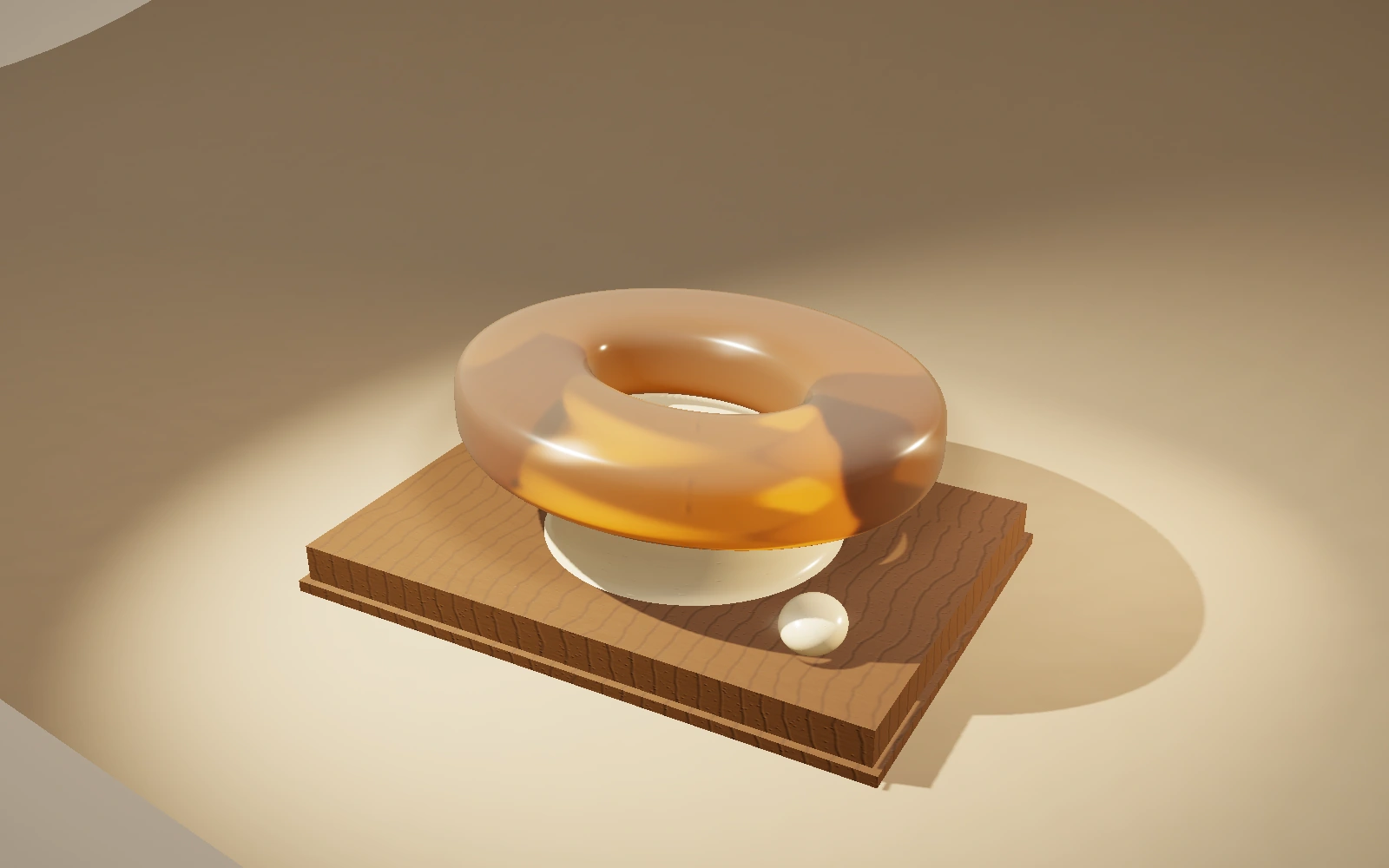
Use Plate to adapt the Softlight source in this folder into my own tactile material study. Read the README and licenses first. Start the local preview, capture it, and ask me what object and feeling I want. Preserve the working pointer and keyboard interactions, pause, reset, sound toggle, reduced-motion behavior and loading fallback. Give the object a distinctive silhouette, coherent material, believable contact and carefully chosen lighting. Test drag, release and material changes on desktop and phone widths. Explain that the deformation is an artistic spring approximation. Preserve third-party license files. Use the free tools unless my Pro license is already active.
Set up Plate in your agent. Free or Pro both work.
Download the source (free with a Google sign-in) and extract it into a new folder.
Open that folder in your agent and copy this request.
Use Plate to adapt the Lookout source in this folder into my own website. Read the README, the assets/qwantani/LICENSE.md receipt and the skill’s composed-site reference first. Start the local preview and capture it at desktop and phone widths. Ask me what my site is about and which real photographs, object, interface or data are its subject; find or resolve that defining asset and write its licence receipt before changing layout. Keep the working scroll, the sticky panels, the reduced-motion, no-WebGL and no-JavaScript paths and the date form pattern. Rewrite every beat around my content with one interaction each, reframe wide and portrait separately, and if you replace the photographs rerun assets/tools/grade.py on the new sources. Capture every beat at both sizes, look at the frames at 1:1, fix what you see, and tell me what you verified and what you could not. Preserve third-party licence files. Use the free tools unless my Pro license is already active.
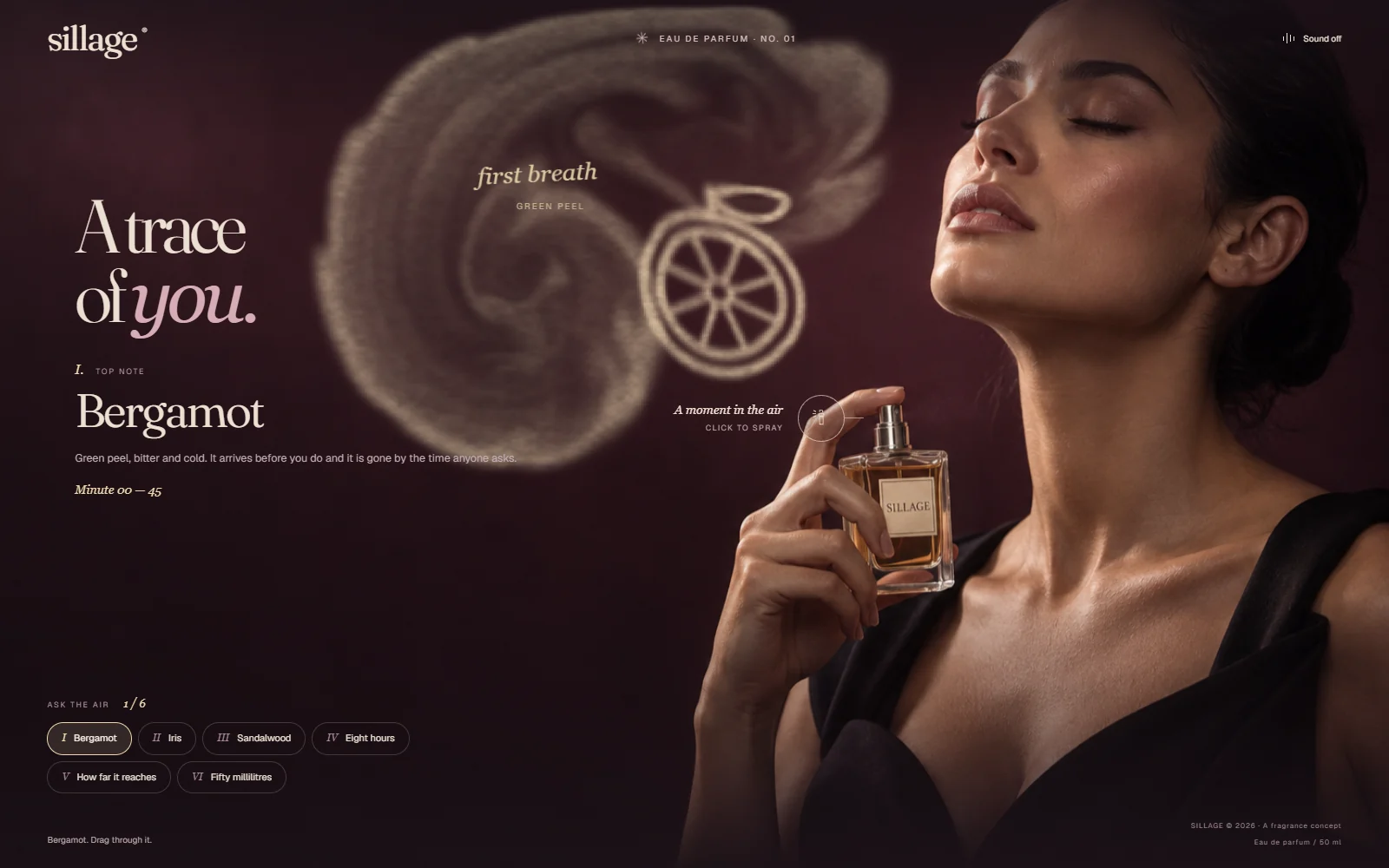
Pointer or touch, on a browser with WebGL2; without it the air falls back to Canvas particles and still draws every shape. The six chips ask the air for a halved bergamot, an iris, sandalwood grain, an hourglass, a reach diagram and the bottle. Draw all six and it signs the air. A fictional house: the brand, the composition and every figure are invented for the study.
Build your own version
Set up Plate in your agent. Free or Pro both work.
Download the source (free with a Google sign-in) and extract it into a new folder.
Open that folder in your agent and copy this request.
Use Plate to adapt the Sillage source in this folder into my own single-screen website. Read the README and ASSETS.md first, then serve the folder, open it, press the bottle, drag through the mist and ask for two of the six drawings before changing anything, and tell me what you saw. Then ask me what the site is about, what its one central photographed or rendered object is, and what six things its medium should draw. Keep the shape of the thing: one fixed frame with no scroll, a live simulation the pointer can draw into, six subjects the medium resolves into, and an ending the visitor earns rather than scrolls to. Rewrite the SUBJECTS array in app.js with my six — each with a name, a kind, a line, a real measured value and its own accent colour — and redraw the SHAPES array in mist.js as Canvas 2D paths for my subjects; do not trace or import artwork. If you replace the photograph, choose one with an empty half for the simulation to work in and move the two nozzle fractions in positionBottle() to match it, then verify the spray starts where the object is. Keep the keyboard controls, the reduced-motion path, the Canvas 2D fallback and the no-JavaScript sentence working. Capture desktop and phone widths, look at the frames at 1:1, check that no drawing lands on the type, fix what you see, and tell me what you verified and what you could not. Preserve the font licence files. Use the free tools unless my Pro license is already active.
These public studies are available with Free and Pro. Your coding agent adapts the files. Pro also includes the separate project library, saved briefs and local Studio revision tools.
 Plate
Plate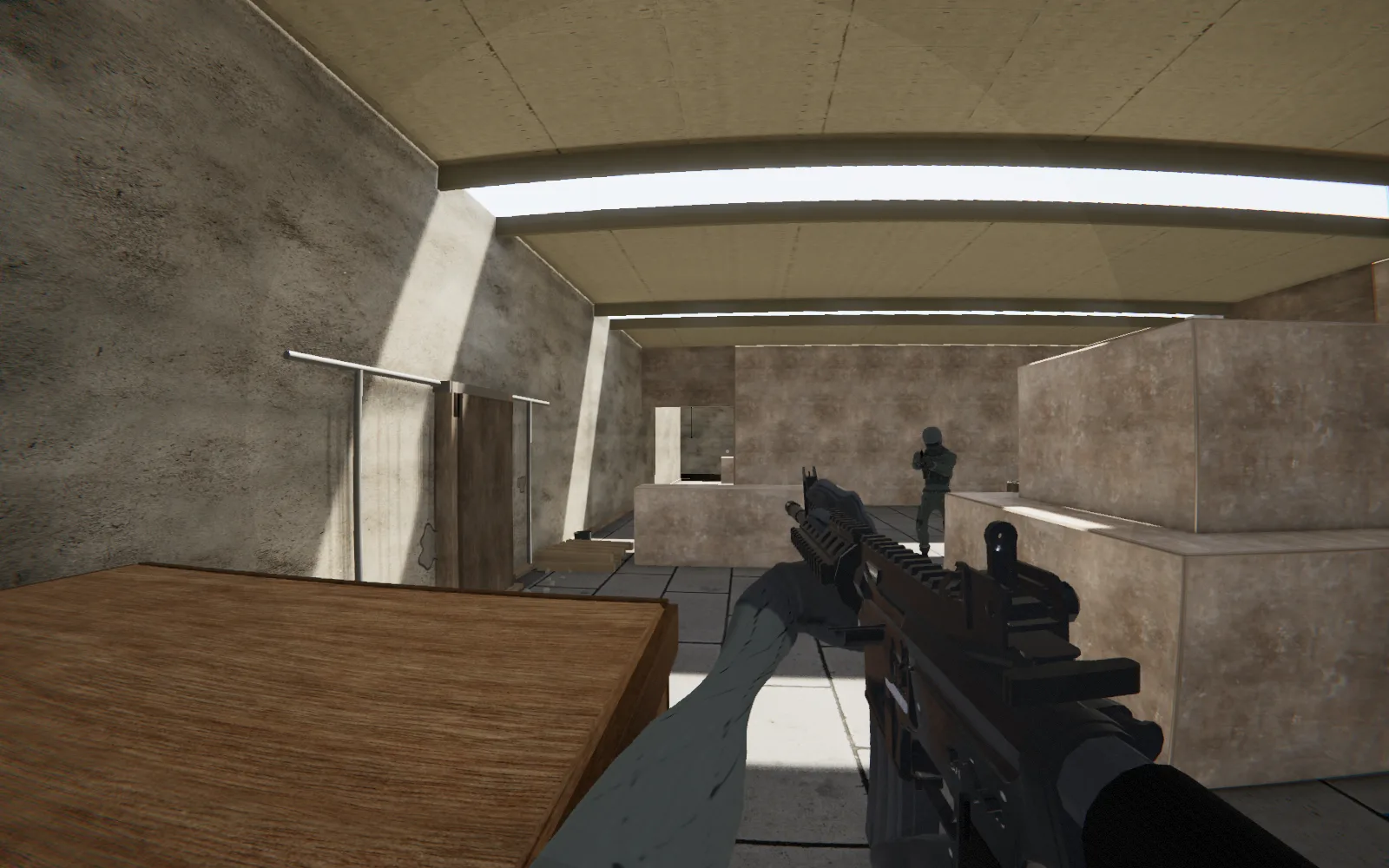 Walk in ↗